🔐 Only Admin users have the permission to update clinic information.
Here's how to update your Clinic Information:
1) Navigate to the top right profile icon and select Clinic settings.

2) Navigate to the Locations tab.
3) Select the location you wish to update.

4) Enter your clinic information.
*Note:
Be sure to enter a full ZIP+4 postal code. This helps ensure addresses appear correctly on your reports. You can find yours here.
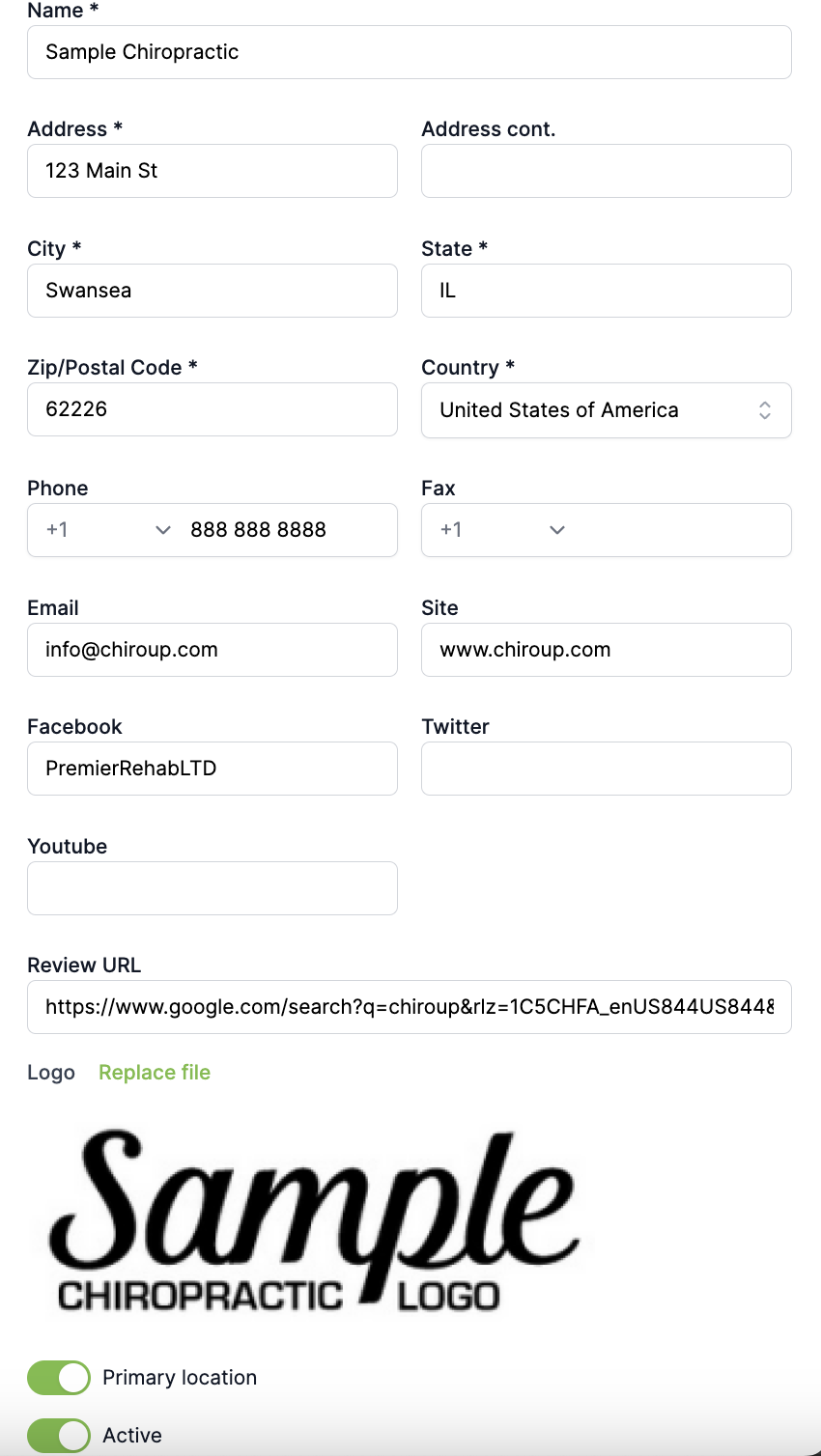
5) Remember to hit Save!